How do I turn on auto accept in LoL?+
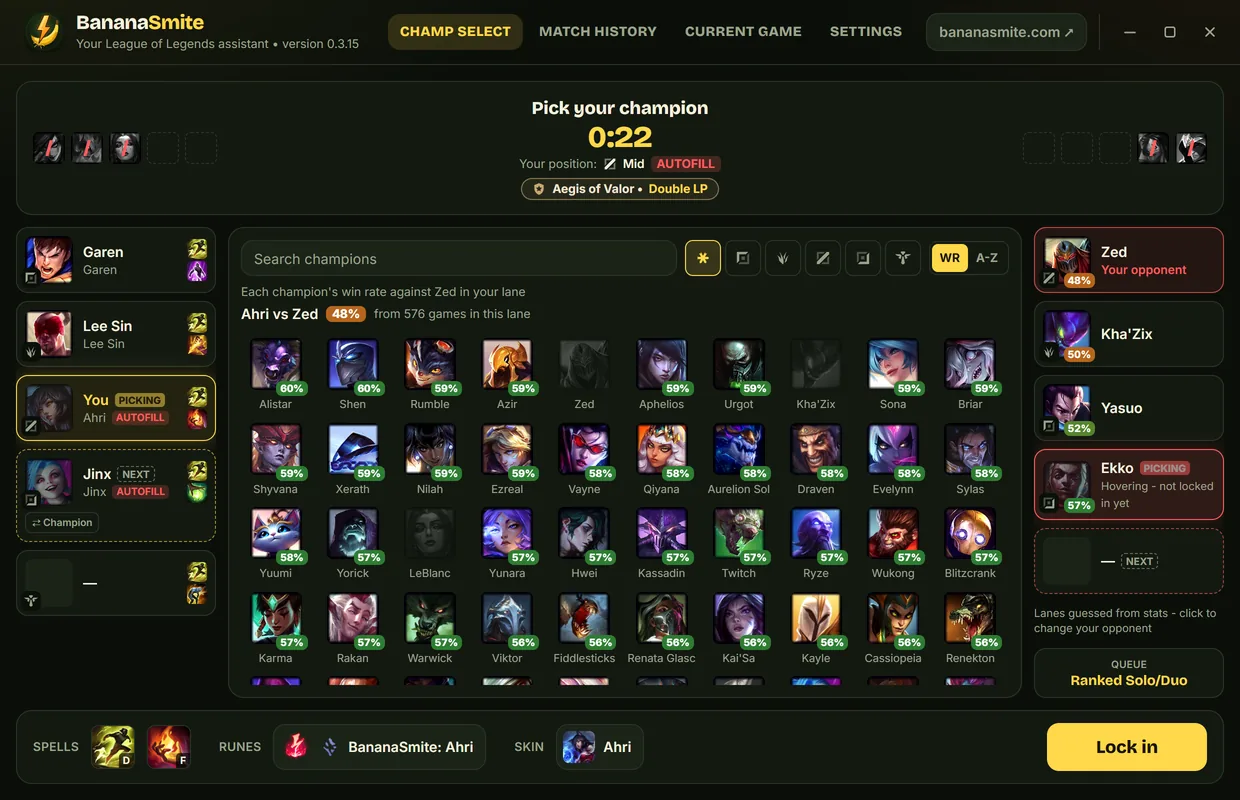
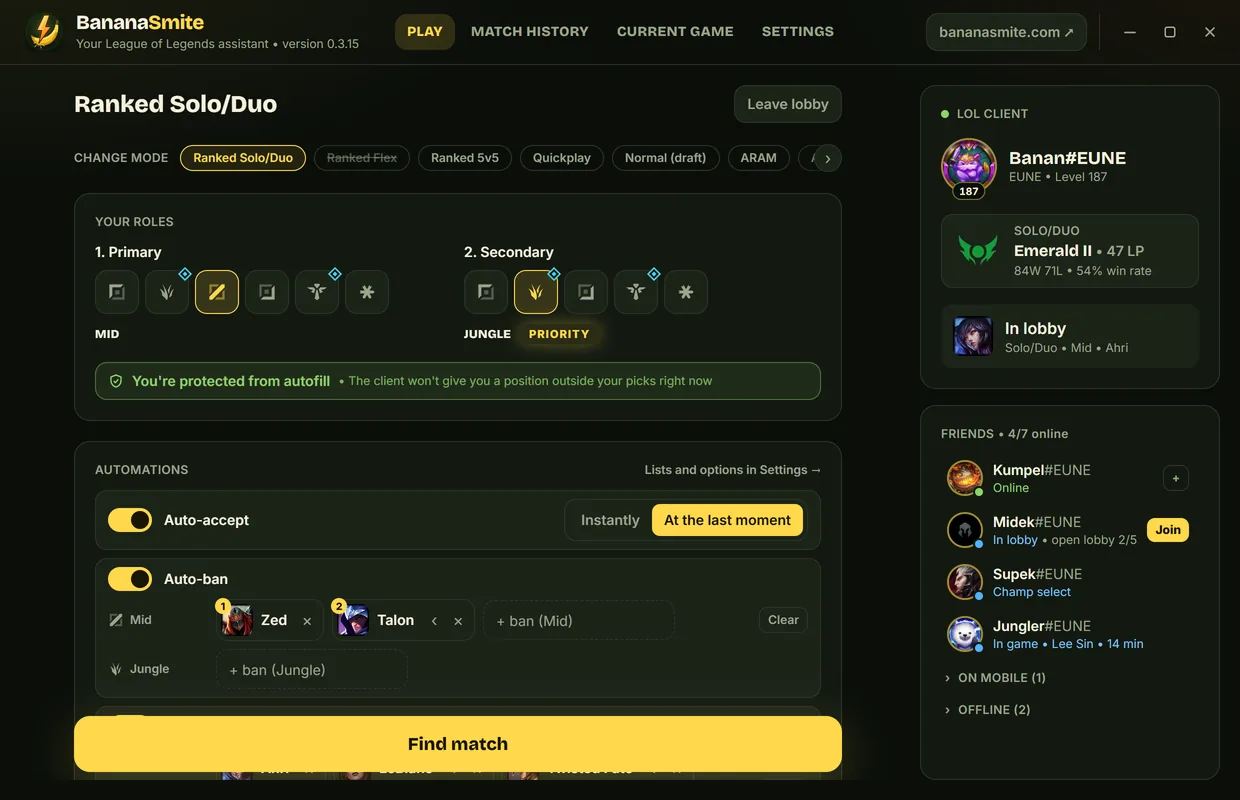
Install BananaSmite and start the League of Legends client – the app connects to it by itself. On the “Play” tab turn on Auto-accept (instantly or at the last moment), and next to it Auto-ban and Auto-pick with a champion list for every role.
Does auto accept work when I'm away from my PC?+
Yes – the app accepts the match by itself. With the BananaSmite Android app you also get a notification when a match is found, with Accept and Decline buttons.
Is the app free?+
Yes – no account, no ads and no paid features.
Is it safe for my account?+
The app doesn't read the game's memory, doesn't inject anything into it and doesn't change its files – it talks to the LoL client only through its local API, like other popular assistants.
Windows warns me before running the installer+
The app is new, so SmartScreen may not know it yet. Click “More info” and then “Run anyway”.
Does it work on Mac or Linux?+
For now only on Windows 10 and 11.
What data does it send?+
Every 5 minutes just its version number (no identifier), so we know how many people use it. A problem report reaches us only when you send it yourself.
How do I uninstall it?+
Like any program: Windows Settings → Apps → BananaSmite → Uninstall.